
by Adam Britton
In thinking about 1:1, I just wanted to talk about a couple of things that will be important in our transition. First off, get to know Google! Secondly, don’t be afraid to click buttons!
Apparently, this Google thing is a pretty big deal. We will be using their services and they offer a wide variety of useful apps. We are only scratching the surface right now. Google has a lot of help menus, but these apps don’t really come with an instruction manual. My advice then is to sign into Google and click something that looks interesting. Take some time to explore. There is no doubt that it will take some time. But there are lots of apps that can do so many things that can enhance what you want to do in the classroom. I think you are going to feel left behind if you are waiting for training for Google features. There are basics that will be addressed and some folks are masters of other Google apps, but you have got to explore for yourself to see what will fit your classroom!
This segues into my next point...don’t be afraid to click buttons. Sometimes I feel like people are afraid that they are going to collapse the Google infrastructure with the single click of a button! Google isn’t stupid enough to give us that kind of power! It is also important to note that the Google products change as they are continually improving and adding new features to what they offer. Be flexible and adaptable!
I think one of the things that separates the “tech experts” in the building is that willingness to try out some new piece of software and click buttons. I don’t think of myself as a “tech expert.” If a student went back in the room in the library and changed on of the network cables and caused us to lose Internet access...I’d be clueless. However, I am definitely not afraid to click buttons. I think that comes from a lack of patience in dealing with my Father. My Father was not afraid to bring in new technology and try new devices or software in our home. However, his approach was to always consult an instruction manual. This was always too slow for me. I’d just think about what the device/software could do and then click on the button that made the most sense. That usually works about 75% of the time.
But please understand, clicking buttons is a frustrating process. It leads to a lot of dead ends and frustration. But eventually you work through the obstacles. All of a sudden, you have become a “tech expert”! This is how I’ve learned to use student response systems, screencasting, and now Google products.
In my latest venture, I am looking to create an app. I was inspired by the potential grant money in the “Straight A” fund that Mr. Hile has referenced in our numerous e-mails. Although I won’t bore you with the details, the short story is that I need to create an app. I’ve never done this before. I don’t have a degree in computer science or programming. Right now, ... it looks like a foreign language to me. But I’m going to be patient, I’m going to explore, I’m going to go click some buttons...
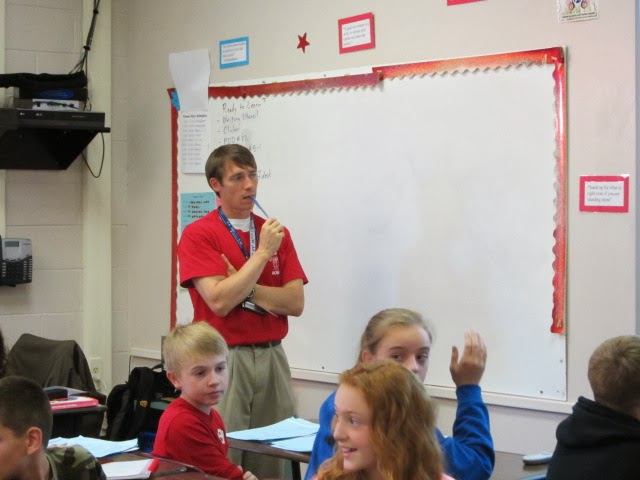
Take a peek inside Adam's classroom and hear how he has really become a "tech genius" ... also, discover what he really thinks of Debbie Fehrman, find out about the "Scott Beery" app and hear why Justin's the guy to go to (at least sometimes)! ****************************************
***************************

Some screencasting resources from Adam:
Here's Adam's document with some screencasting tools ... give them a try!
Below is one of Adam's "Math Casts" he's working on for a potential "flipped classroom"environment next year:


